Utilities app screenshots with a second benefit
The second line brings something new. Two benefits fit on one screenshot when the second is set smaller, under the first.
From the top 100 free Utilities apps on the US App Store, read on October 9, 2026. Screenshots are the developers’ own, shown from Apple’s servers with a link to each app.
The numbers
28 of the 549 Utilities screenshots read (5%) do this, across 22 of the top 100 apps (22%). 2 of the top ten do it (20%), against 20 of the other 90 (22%): the top ten do it about as often as the rest. Of the 23 categories read so far, Utilities is 4th for this. It is most common in Finance (36% of apps) and least common in Games (8%).
12 examples from the chart.
12 of the 28 Utilities app screenshots with a second benefit, one from each app, the highest on the chart first.

“Govee”

“Stay focus with Chat”

“Set up your home network”
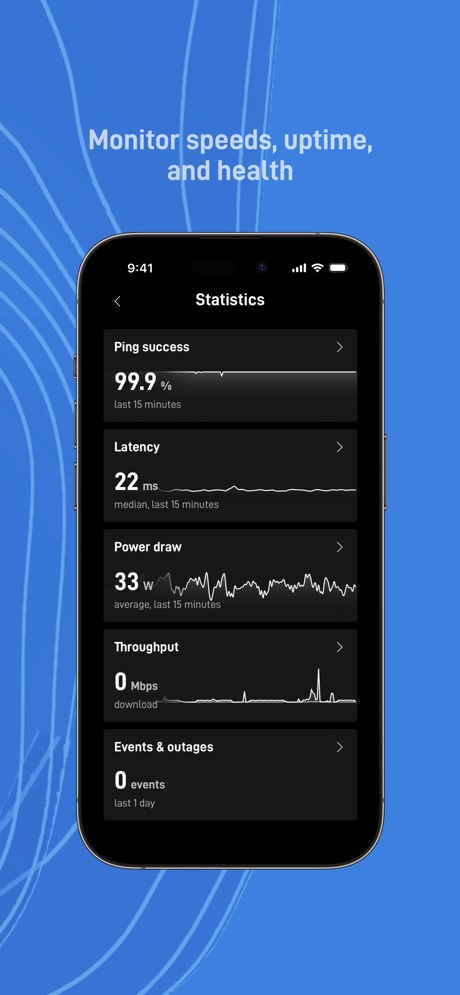
“Monitor speeds, uptime,”
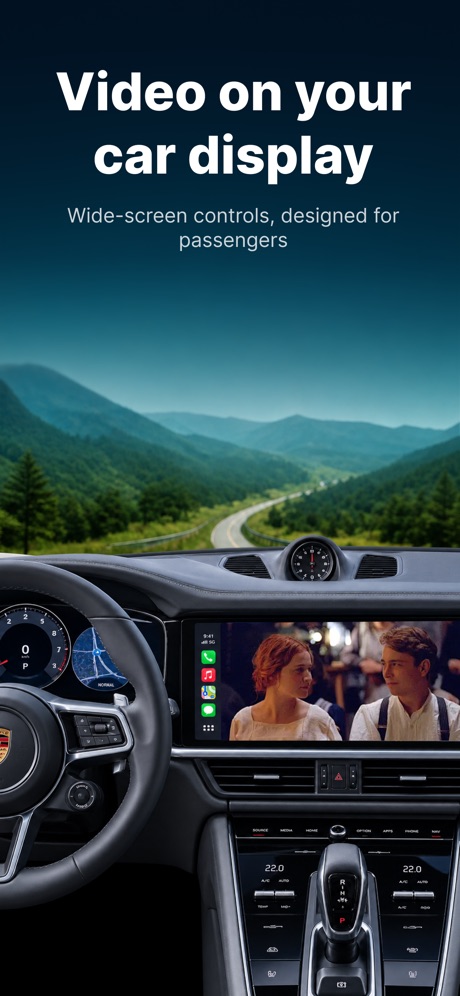
“Video on your car display”

“Protected Search”

“Go big on your online protection”

“Open the Internet with Firefox”
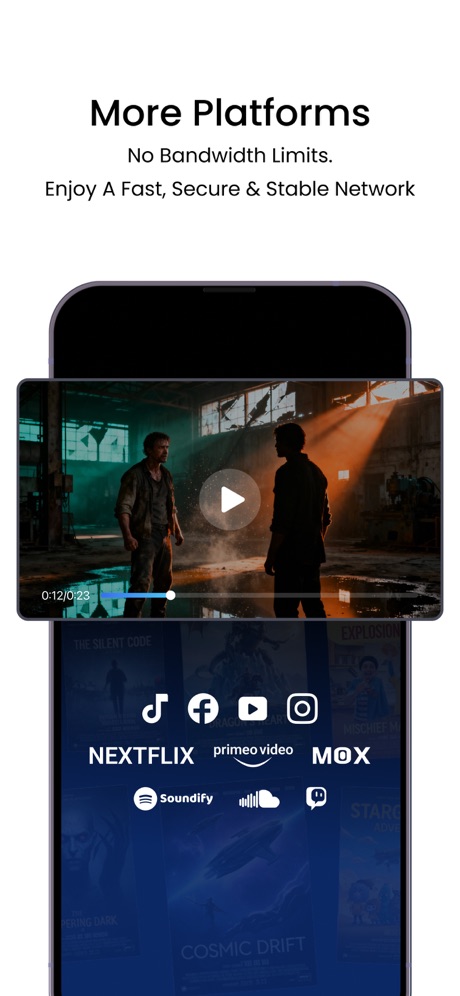
“More Platforms”

“CAST PHOTOS VIDEOS & WEBSITES”

“Endless Widgets”

“LEADING PRAYERS”
Real headline examples, word for word.
The words on all 28 that carry any, as each app wrote them.
“Govee”
Making Life SmarterGovee Home · #6 · screenshot 1“Stay focus with Chat”
and search in one placeMicrosoft Edge · #7 · screenshot 3“Set up your home network”
and get online in minutesXfinity · #11 · screenshot 3“Monitor speeds, uptime,”
and healthStarlink · #15 · screenshot 5“Video on your car display”
Wide-screen controls, designed for passengersCarTV - M3U IPTV Player & Cast · #18 · screenshot 1“Protected Search”
With optional AI-assisted answers.DuckDuckGo, optional Duck.ai · #19 · screenshot 3“Go big on your online protection”
150M+ downloadsNordVPN: VPN Fast & Secure · #24 · screenshot 1“Open the Internet with Firefox”
Fast. Private. Safe.Firefox Fast & Private Browser · #27 · screenshot 1“More Platforms”
No Bandwidth Limits. Enjoy A Fast, Secure & Stable NetworkJumpJumpVPN: Fast & Secure · #39 · screenshot 4“CAST PHOTOS VIDEOS & WEBSITES”
Used daily by 12.5M+ happy usersScreen Mirroring App: Smart TV · #40 · screenshot 2“Endless Widgets”
Fast InstallmyCar: Car Widgets & Dashboard · #43 · screenshot 6“LEADING PRAYERS”
Get joy and strengthHoly Bible Faith:Verse&Audio · #48 · screenshot 2“Never lose devices again”
4.6 users favourite star rating with 1.7M+ downloadsFind Air - My Device Tracker · #50 · screenshot 1“Unlimited traffic”
No time limitsVPN cat: Fast Secure Unlimited · #53 · screenshot 1“20GB private cloud storage”
secure playbackUC Browser · #66 · screenshot 6“Universal TV Remote”
VolumeUniversal TV Remote Control* · #73 · screenshot 1“One tap to connect”
Fast, secure and stable connection.Zyra VPN · #76 · screenshot 1“YOUR PRIVATE SECOND NUMBER. OR YOUR FIRST.”
+100M Happy Users WorldwidetextPlus: Text Message + Call · #77 · screenshot 1“BUILT-IN COMPASS”
AND MINI MAP, NEVER GET LOST.Flashlight Ⓞ · #79 · screenshot 4“The original Burner app”
Verified phone numbersBurner: Second Phone Number · #81 · screenshot 1“Real Time”
Voice TranslatorTranslate AI: Voice & Photo · #84 · screenshot 3“Welcome to no-nonsense wireless.”
See MyMetro app for current offers and details.myMetro® · #89 · screenshot 1- ▴
“Detect motion using WiFi”
and set Home and Away modesXfinity · #11 · screenshot 4 “Zero-log policy”
No registration requiredVPN cat: Fast Secure Unlimited · #53 · screenshot 2“Everything Metro. All in one place.”
New features added regularly.myMetro® · #89 · screenshot 3“Help keep loved ones safe”
and control your smart homeXfinity · #11 · screenshot 5“Tens of countries”
Thousands of serversVPN cat: Fast Secure Unlimited · #53 · screenshot 3“Manage your account”
and easily pay your billXfinity · #11 · screenshot 6
Top ten Utilities apps that do it.
- #6Govee Home1 of its 6 screenshots
- #7Microsoft Edge1 of its 6 screenshots
The same tactic in other categories.
| Category | Apps that do it | Screenshots | Top ten |
|---|---|---|---|
| Finance | 36% 36 of 100 | 8% 46 of 581 | 4 of 10 |
| Shopping | 30% 30 of 100 | 7% 39 of 562 | 3 of 10 |
| Music | 23% 23 of 100 | 5% 27 of 550 | 1 of 10 |
| Utilities | 22% 22 of 100 | 5% 28 of 549 | 2 of 10 |
| Entertainment | 20% 20 of 100 | 5% 28 of 544 | 4 of 10 |
| Graphics & Design | 19% 19 of 99 | 4% 25 of 564 | 2 of 10 |
| Social Networking | 19% 19 of 100 | 5% 25 of 554 | 2 of 10 |
| Food & Drink | 18% 18 of 100 | 4% 23 of 540 | 1 of 10 |
| Productivity | 17% 17 of 99 | 4% 23 of 551 | 0 of 10 |
| News | 16% 16 of 98 | 4% 21 of 517 | 0 of 10 |
| Health & Fitness | 16% 16 of 100 | 4% 23 of 574 | 0 of 10 |
| Reference | 16% 16 of 100 | 4% 22 of 566 | 1 of 10 |
| Business | 15% 15 of 100 | 4% 20 of 554 | 1 of 10 |
| Education | 15% 15 of 100 | 4% 21 of 555 | 1 of 10 |
| Photo & Video | 15% 15 of 100 | 4% 22 of 566 | 2 of 10 |
| Sports | 14% 14 of 100 | 3% 16 of 558 | 2 of 10 |
| Medical | 13% 13 of 100 | 3% 16 of 548 | 0 of 10 |
| Weather | 12% 12 of 100 | 3% 16 of 555 | 2 of 10 |
| Lifestyle | 11% 11 of 100 | 3% 14 of 556 | 2 of 10 |
| Travel | 11% 11 of 100 | 2% 13 of 561 | 1 of 10 |
| Developer Tools | 10% 10 of 100 | 3% 14 of 507 | 1 of 10 |
| Navigation | 8% 8 of 99 | 2% 9 of 566 | 0 of 10 |
| Games | 8% 8 of 100 | 2% 10 of 567 | 0 of 10 |
Related tactics.
Often on the same screenshot
- Has a subline100% of these screenshots, against 28% of all Utilities screenshots
- Headline readable at thumbnail size61% of these screenshots, against 36% of all Utilities screenshots
- States a benefit64% of these screenshots, against 42% of all Utilities screenshots
- User or download count21% of these screenshots, against 3% of all Utilities screenshots
- High contrast words43% of these screenshots, against 26% of all Utilities screenshots
- Photo background21% of these screenshots, against 5% of all Utilities screenshots
More in meaning
- Plain tone95%
- Leads with a feature92%
- States a benefit85%
- Subline explains the headline38%
- Leads with trust34%
- Asks for an action14%
- Names its audience11%
- Leads with an outcome9%
- Playful tone7%
- Leads with what is new6%
- Leads with who it is for6%
- Urgent tone6%
- Compares with something5%
- Leads with price5%
- Premium tone4%
- Technical tone3%
- Leads with a problem1%
Questions, answered from the chart.
How many top Utilities apps have App Store screenshots with a second benefit?
Which Utilities apps have App Store screenshots with a second benefit?
Should my Utilities app have App Store screenshots with a second benefit?
See your own app against this.
Pagefully reads your screenshots the same way, and makes a custom product page for each search people type, from your real screens.
Preview your pages