Pro is cancelled in the billing portal, and stays on until the end of the period you have paid for.
Before you start
- The app is on a paid Pro. The Pack has nothing to cancel, and a plan we gave by hand has no portal.
- Nothing you made is at risk. Every page you sent stays live, and every page and language in Pagefully stays as it is.
Steps
- In the sidebar, click Plan.
- Under the plan’s name, click Manage billing.The portal opens in place of Pagefully. See Invoices, receipts and your payment method.
- In the billing portal, cancel the subscription and confirm.Pro is not charged again. It runs to the end of what you have paid for.
- Use the portal’s return link to come back to the Plan screen.
Under the app’s name, the line reads Pro, billed yearly or Pro, billed monthly with Ends and the date, then Your pages stay live after that. Until that date, everything in Pro keeps working.
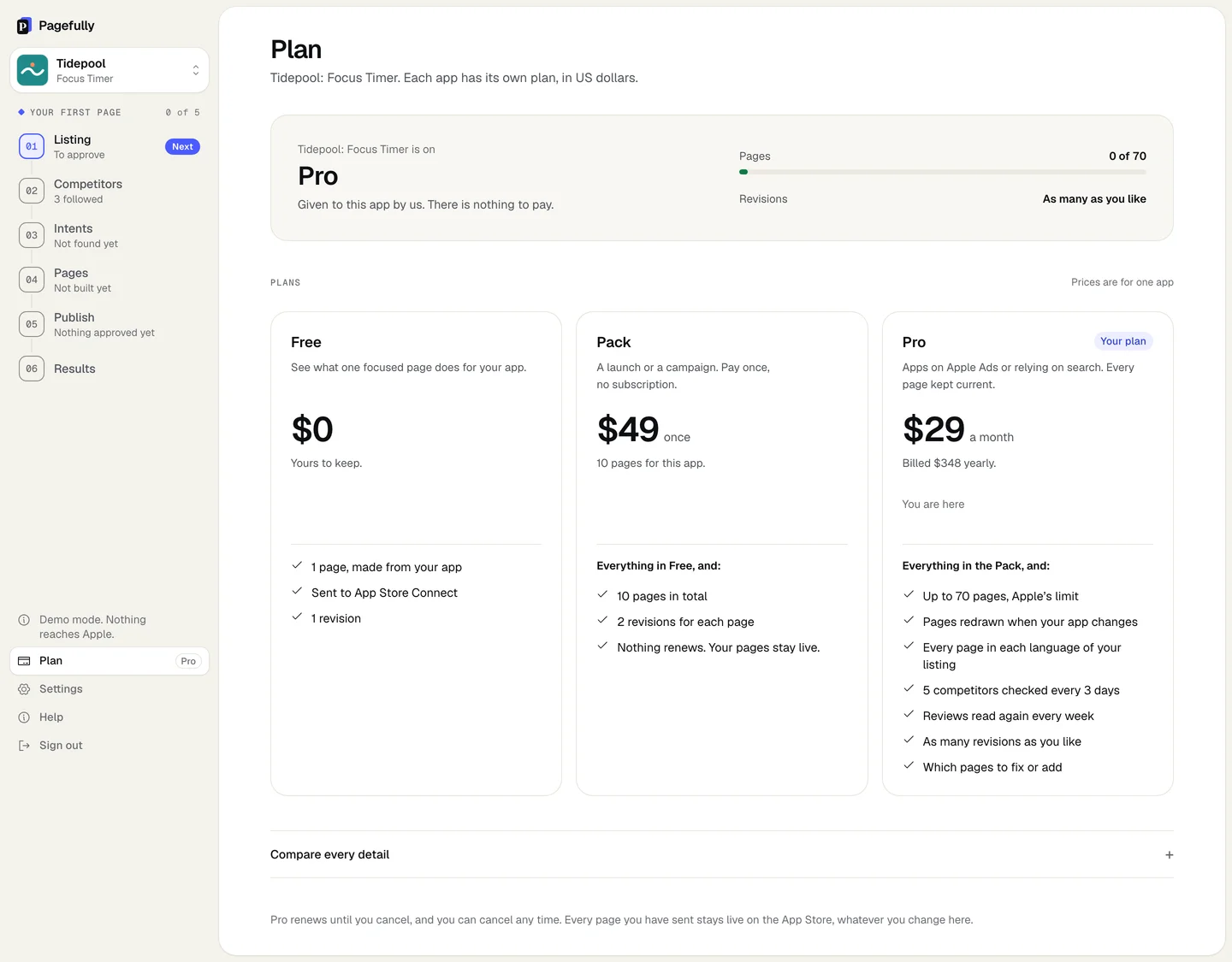
What happens when Pro ends
On the end date, the Plan screen says Pro has ended for this app. and Every page you sent is still live. Weekly refresh, competitor checks and new languages have stopped. The app falls to the Pack if it bought one, and to Free otherwise.
| Stays | Every page you sent stays live on the App Store. Every page and language in Pagefully stays as it is. Nothing is deleted. |
|---|---|
| Stops | The weekly read of your listing and reviews, and pages redrawn after an update. Competitor checks every 3 days and the change emails. New languages. New pages beyond what the plan you fall to allows. |
| Pages | On the Pack, 10 in total, with every page already made counted. On Free, the one free page. Pages you hold beyond that stay as they are. |
| Revisions | The plan you fall to: 2 for each page on the Pack, 1 on Free. Sends already made are counted. |
| The Pack | Not refunded, and not started again. A Pack whose 10 pages were made has no page left. |
| Starting again | Click Start Pro on the Plan screen at any time. Everything carries on from where it is. |
Disconnecting a Pro app
An app on Pro cannot be disconnected from Settings until Pro is cancelled: it says This app is on Pro. Cancel it under Manage billing on its Plan screen first, then disconnect it. Cancel first, then see Remove, replace or revoke the key, and disconnect an app.
If something goes wrong
- There is no Manage billing button. The app is not on a paid Pro. The Pack has nothing to cancel, Free has nothing to pay, and a plan that says Given to this app by us has no portal. To give a granted plan up, write to hello@pagefully.com.
- The button says “We could not open billing just now. Nothing was changed. Try again in a minute.” Wait a minute and click Manage billing again. Pro is unchanged.
- Pro ended before the date you expected, with “Pro has ended for this app.” A payment failed and the card was tried again for a few days without success. Click Start Pro to start again; your pages were never touched. See Plans explained for what each plan includes.