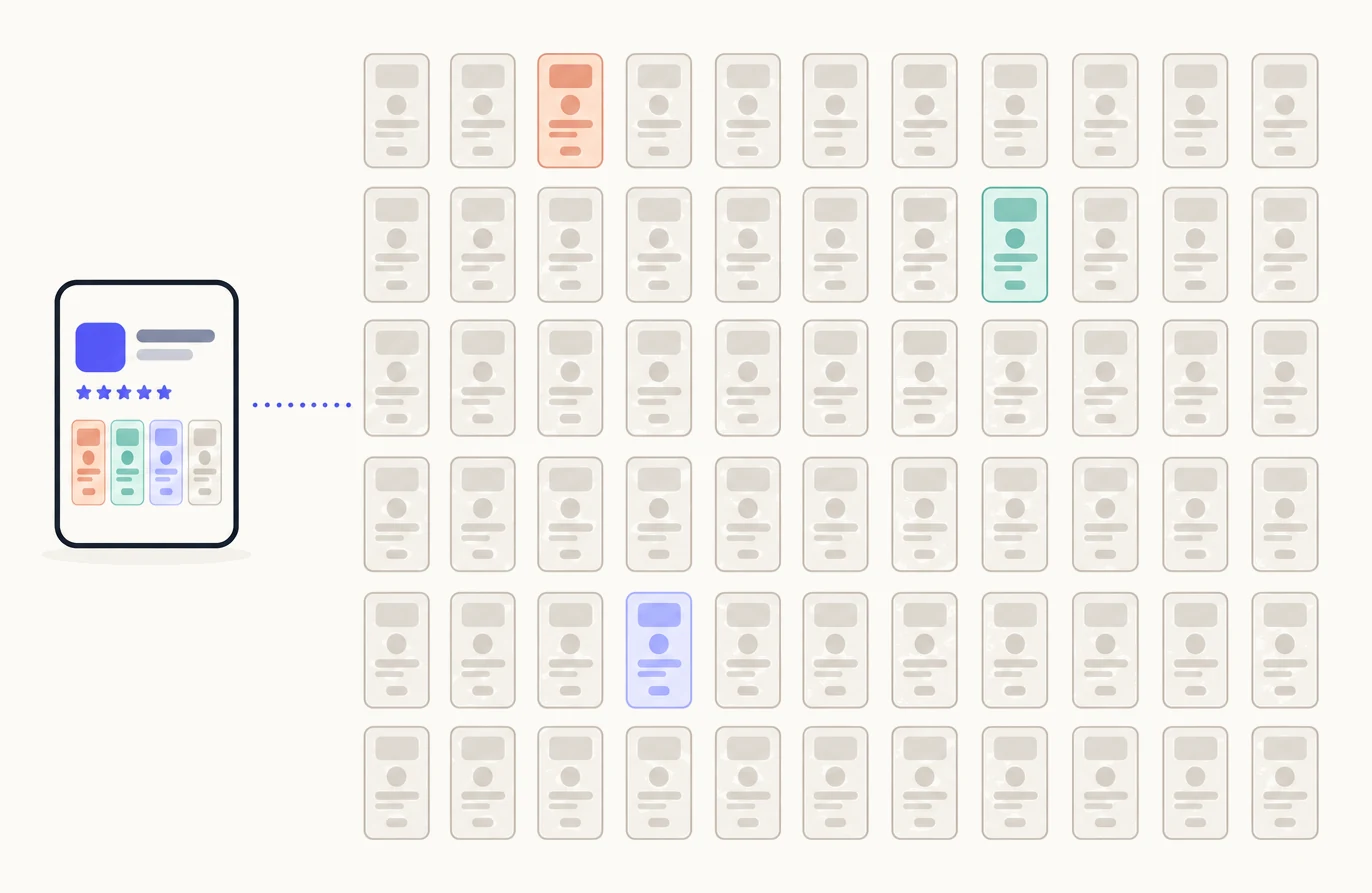
Make one page for each keyword group and each use case your app serves. Each page answers one search, one ad or one link, with its own screenshots, so the count comes from your keyword field, your reviews and the channels you run, not from the plan or from Apple’s limit. A page nobody arrives at does nothing, so every page needs a searcher, an ad or a link you can name.
Where the number comes from
Your keyword field, grouped by what the searcher wants, is one page per group. The reasons reviewers give for downloading are one page each, where your default page does not lead with them. Each Apple Ads ad group and each link you share is one more. Intents reads your listing, your keywords and your reviews, and sorts the pages it proposes into three columns: a problem the searcher wants fixed, a feature they want, or an app they already know. Most apps find more pages on that list than they expected.
In what order
In the order of the traffic behind each page. Build the keyword group with the most impressions first, then the ad group with the most spend, then the link that sends the most people. A page with a thin keyword group and no link goes last, however good the idea.
What each plan allows
| Free | One page, your first. It is sent to App Store Connect and is yours to keep. |
|---|---|
| Pack | Ten pages in total for the app, the free one included. A deleted page gives nothing back. |
| Pro | Up to 70 pages, which is Apple’s limit per app. On monthly billing, 15 new pages a month. |
Plans are per app. The exact numbers are in Plan limits.
When to add more
Whenever a new keyword group, use case, campaign or channel appears:
- A Suggested card on Intents names a reason, such as a share of your reviewers using the app for one thing.
- The Listing says more pages could show in search: a keyword in your field has no page.
- An Apple Ads ad group or a link you share needs a page written for it. Those need no keyword.
- A competitor you follow has reviewers your app could win over.
Each page can show in search only for keywords from your field, and each keyword goes to one page. So the field, not the plan, sets how many pages can show in search; the rest are for ads and links. The only ceiling is Apple’s 70. Apple’s feature is explained in How many custom product pages does your app need?
What this means for you
- Build the pages Pagefully proposes, then add one for each keyword group or use case it missed.
- Switch off a page you cannot name a searcher for, rather than building it.
- Choose the plan by the pages you can name, not by the limit. See Plan your pages on the Intents screen.