Everything read of a competitor ends as a page you can add; nothing is shown because it is interesting.
Before you start
- Your listing has been read. Competitors are found from what it says your app does and who it is for. See The Listing screen.
Steps
- In the sidebar, open Competitors.The first time, the search starts by itself: Finding who you are compared with, about a minute. The header counts 3 of 20 followed, with your own numbers.
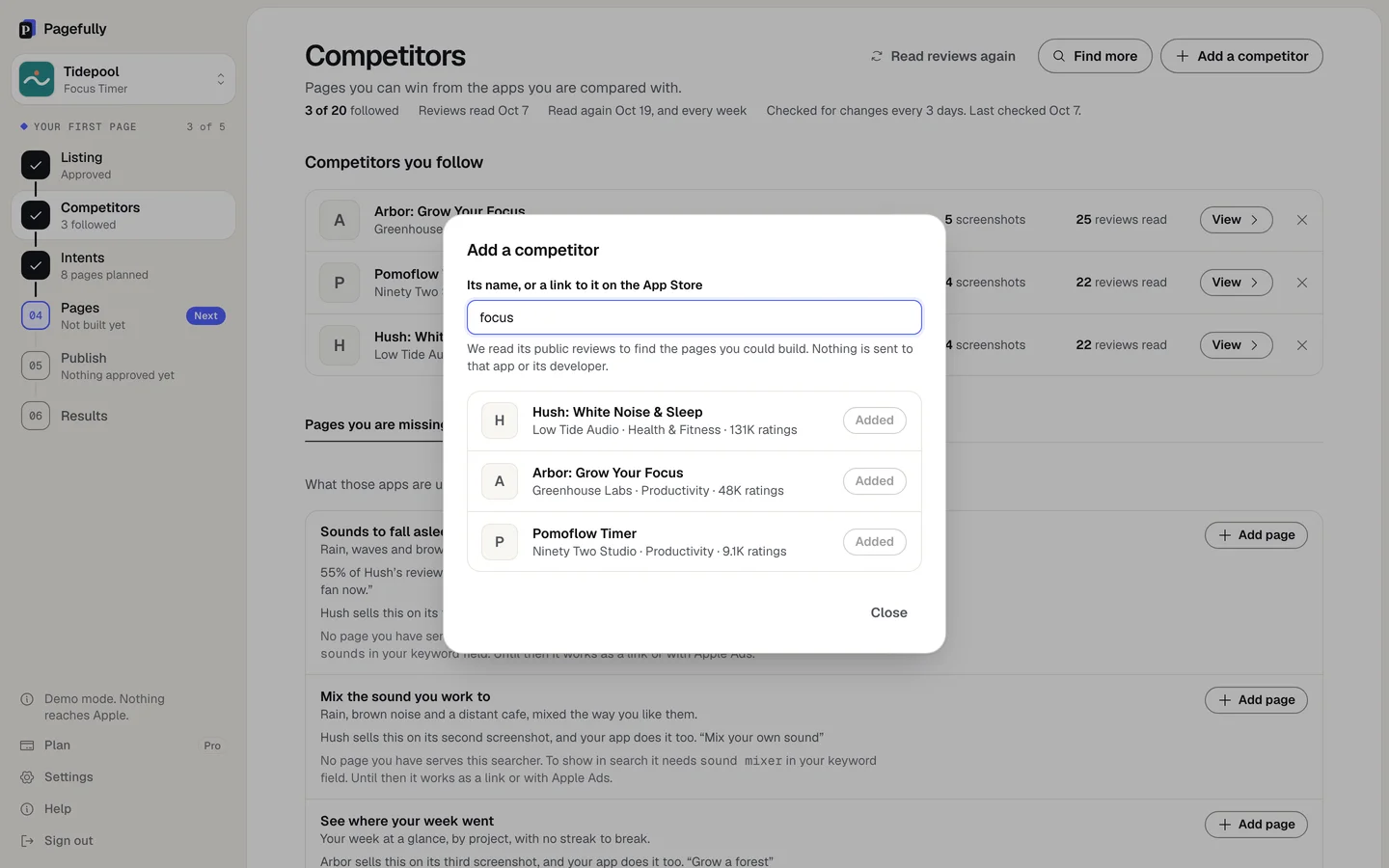
- To follow an app you know, click Add a competitor, type Its name, or a link to it on the App Store, and click Add on its row.The toast says Added and its name, then Reading its reviews. Nothing is sent to that app or its developer. You can follow up to 20 on every plan.
- To let Pagefully look, click Find more and click Add beside a close match.The dialog More apps like yours searches the App Store for your keywords and marks the closest with a Close match pill.
- Open the three tabs and click Add page on anything you want.See What comes of them below. An added page goes to Intents and is built with the rest.
- Click View on a row to read what was found about that app.Tabs Screenshots, Description, Reviews, What it sells that you do not do and Changes. A listing change nobody has opened shows Changed and a date on the row.
- To stop following an app, click the × on its row and confirm Stop following.The page against it and the suggestions that rest on it alone leave the screen. Pages you already added stay. The toast offers Undo, and following it again reads nothing again.
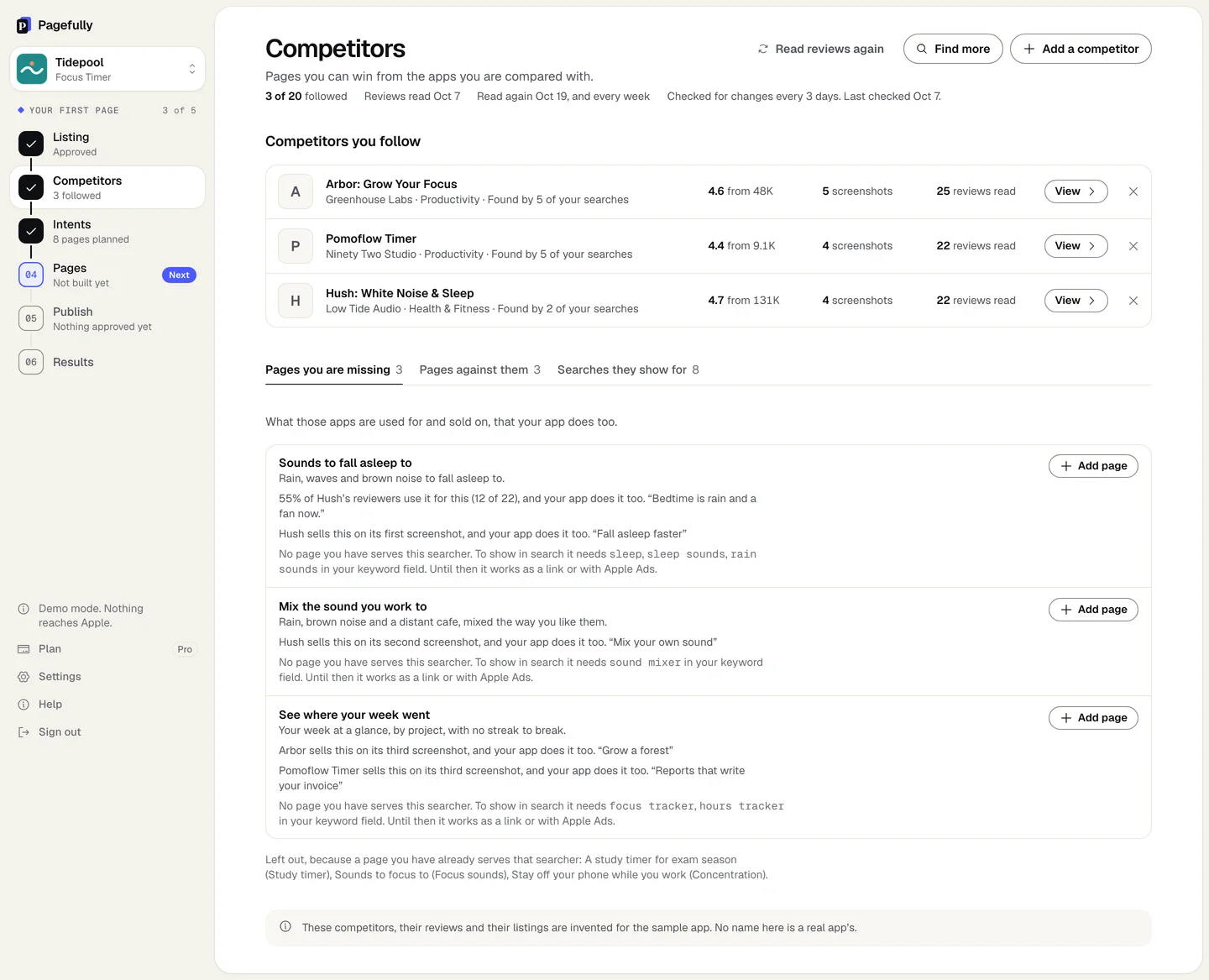
Each app you follow is a row under Competitors you follow, with its rating, screenshot count and reviews read. The tabs fill as reviews are read (Reading their reviews). Pages you add appear on Intents.
What comes of them
- Pages you are missing: what those apps are used for and sold on, that your app does too. Each line says which keyword it needs in your field to show in search; until then it works as a link or with Apple Ads.
- Pages against them: for people who know that app and want something better. You choose up to three true things about your app, and they lead the page. No other app is named on it. A store customer never sees a competitor’s name anywhere; the name is a keyword, on screens only you see.
- Searches they show for: searches for something your app does too, none in your keyword field. Rankings are from App Store search and change daily.
On every plan, and on Pro
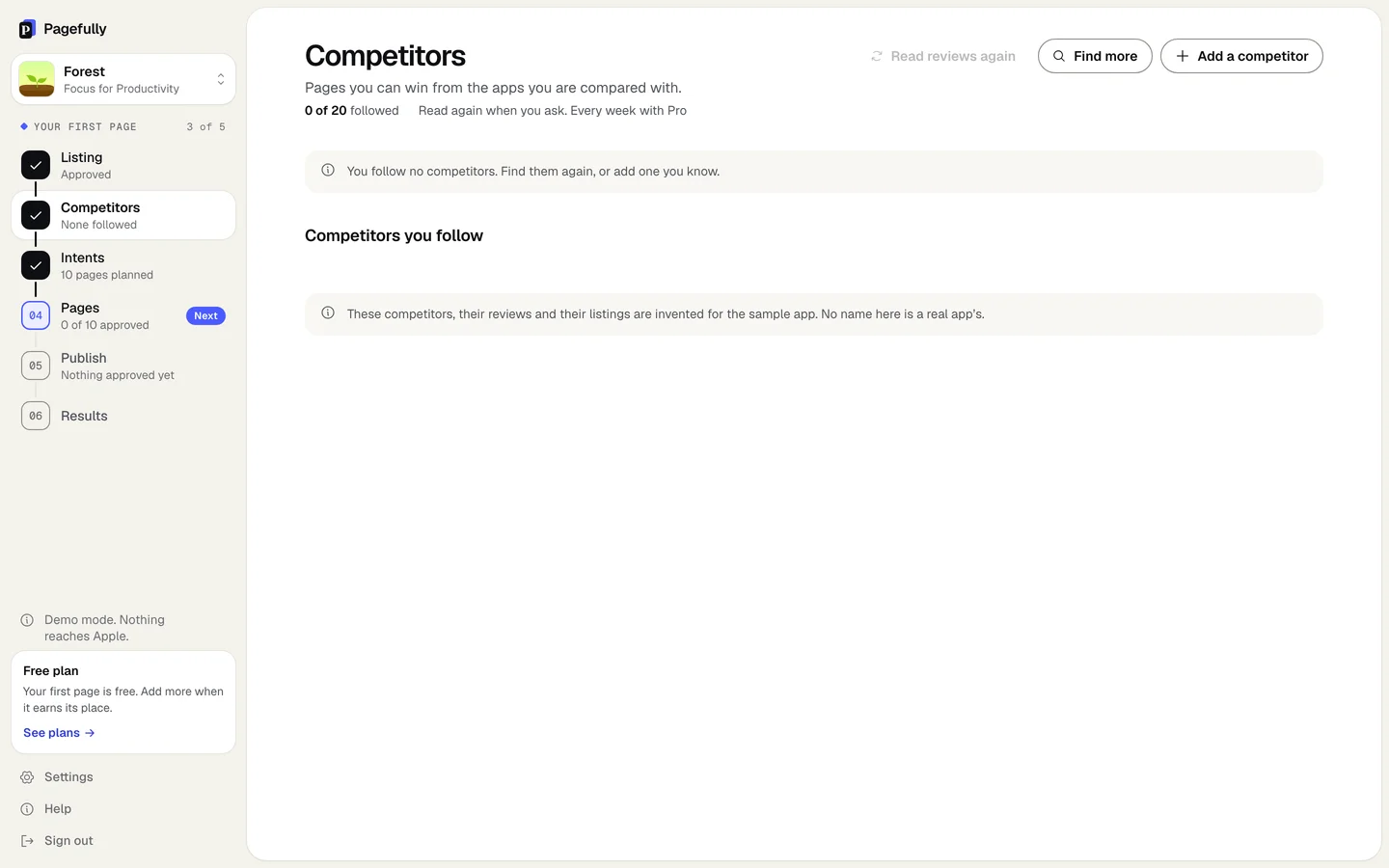
Following, finding, reading and Read reviews again are open on every plan. Pro adds what runs by itself: reviews read again every week, the first five apps you follow checked for changes every three days (Checked for changes every 3 days.), and the email when one changes what its page leads with. On other plans the header reads Checked for changes when you read them again. Every 3 days with Pro. See Plans explained and Emails and notifications.
If something goes wrong
- You follow 20, your plan’s limit. Every plan follows 20 per app. Stop following one to add another.
- The App Store has nothing by that name in your country. Try its exact name, or paste its App Store link. The search looks at your own storefront.
- Only 12 reviews so far. That is too few to count on, so no page is suggested from them. The number is that app’s. Nothing is suggested until an app has enough reviews; the empty tab says None yet. Follow another app meanwhile.
- Nothing new came back for your keywords. Add an app by name instead. Click Add a competitor and type its name.