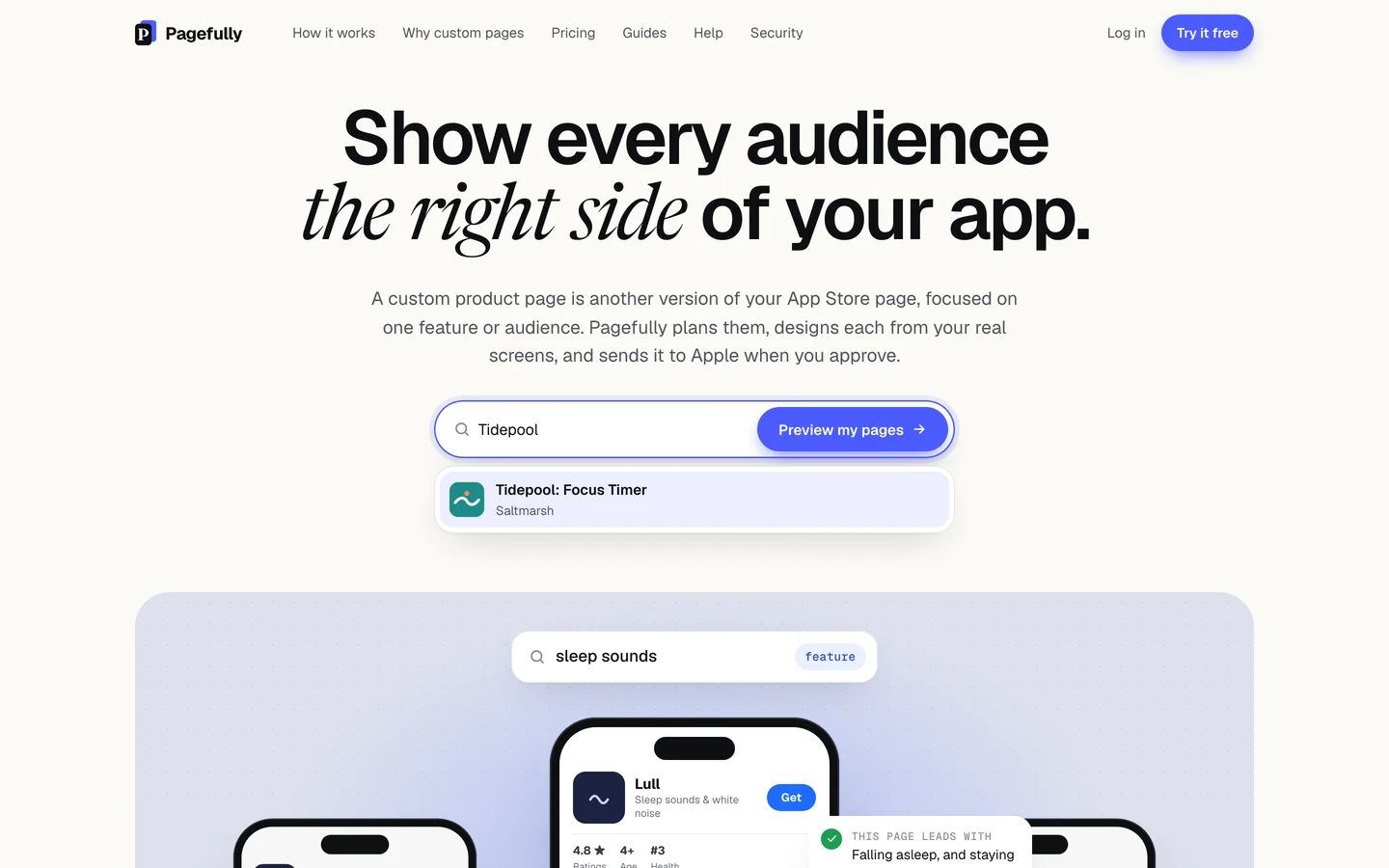
The find field searches the US App Store by name, so an app on another storefront, a name typed differently, or an app not yet released is not found. Pasting the App Store link or the app’s numeric id finds any app the US store lists, and an app that is not there yet starts from App Store Connect instead.
What you’re seeing
- In the find field on the home page: “No app by that name on the US App Store. Try its exact name, or paste its link.” or, with fewer than two characters typed, “Type your app’s name, or paste its App Store link.”
- On a preview page: “We couldn’t find that app on the US App Store.” and “Check the link, or try another. An app that hasn’t been released yet can still use Pagefully: sign up and connect App Store Connect.”
- On Add your app or Add an app by name: the same “No app by that name…” sentence, or “That is not an App Store app.”, “We could not find that app on the App Store. Check its name, or paste its App Store link.”, “We could not add that app just now. Nothing was changed. Try again.” or “We could not find this app on the App Store just now. Nothing was changed. Try again in a minute.”
Why it happens
Typing two or more characters searches the names of apps on the US App Store as you type, under “Apps on the App Store”. An app sold only on other storefronts, or not released, has no name there to match. A pasted App Store link or a bare numeric id skips the name search and goes straight to the app. The two “just now” sentences mean the App Store did not answer; nothing was changed.
How to fix it
- Type the name exactly as the App Store shows it.Two or more characters. The result list appears as you type; choose your app from it.
- Or paste the app’s App Store link.Open the app on the App Store or at apps.apple.com and copy its link. It looks like apps.apple.com/us/app/your-app/id123456789. On the home page it opens the preview; on Add your app it shows Add the app at this link.
- Or paste the numeric id alone.The digits after “id” in the link. A bare number is taken as an App Store id.
- If a “just now” sentence shows, wait a minute and try again.The App Store did not answer. Nothing was changed.
- App not live yet? Start from App Store Connect.Sign up, click Connect App Store Connect and add an App Manager key. Under Choose an app, every app the key can see is listed, released or not.
- App on another storefront only? Connect App Store Connect too.The name search and the preview read the US store only. With a key, the listing is read from App Store Connect, whatever the storefront.
- If the key’s picker does not show the app, open “Don’t see your app?”.It is new: create it in App Store Connect first, then click Check again. The key cannot see it: in Users and Access, give the key’s role access to that app. It is on another Apple developer account: one key covers one account; write to hello@pagefully.com and we add the second account for you.
Adding by name and by key is in Add an app; the preview in Preview pages for your app without signing up; the key in Connect App Store Connect.
Still not working?
Write to hello@pagefully.com, or click Have feedback? Let us know once signed in, and include:
- the app’s App Store link, or its name and the storefront it is on
- where you searched: the home page, the preview, or Add your app
- the sentence on the screen, word for word