The preview asks for nothing first: no email, no key, no card.
Before you start
- Your app is on the US App Store. An app that is not released yet can still use Pagefully: create an account and connect App Store Connect.
Steps
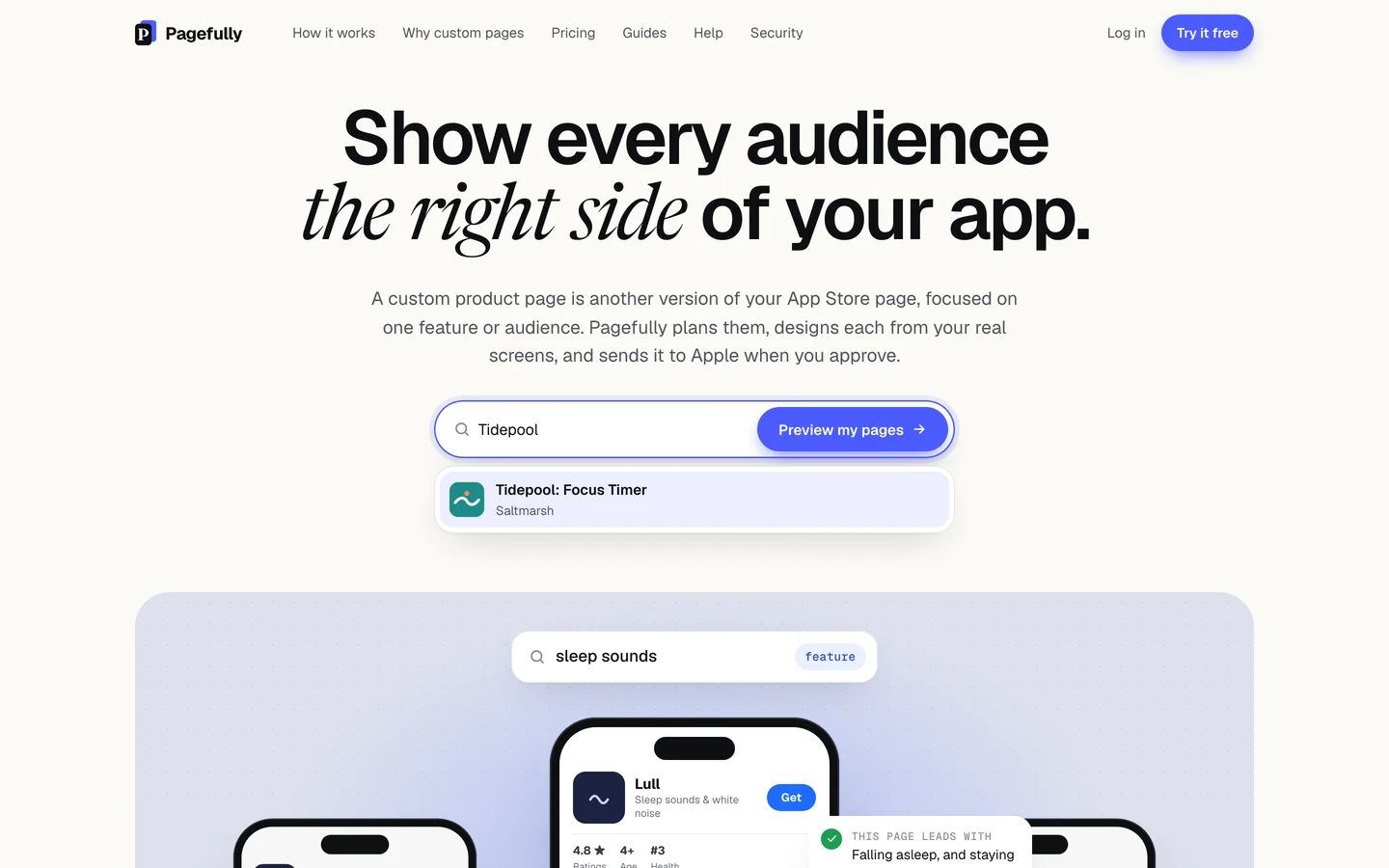
- On the home page, click the field Search for your iOS app.The same field is on the pricing page.
- Type your app’s name, or paste its App Store link or id.Two or more characters search the US App Store as you type, under Apps on the App Store. A pasted link or a numeric id goes straight to the preview.
- Choose your app from the list, or click Preview your pages.
- Wait about a minute while the preview is made.The panel shows five steps: Read your listing, Understand your app, Plan your pages, Write headlines, Design screenshots. Most apps take under a minute.
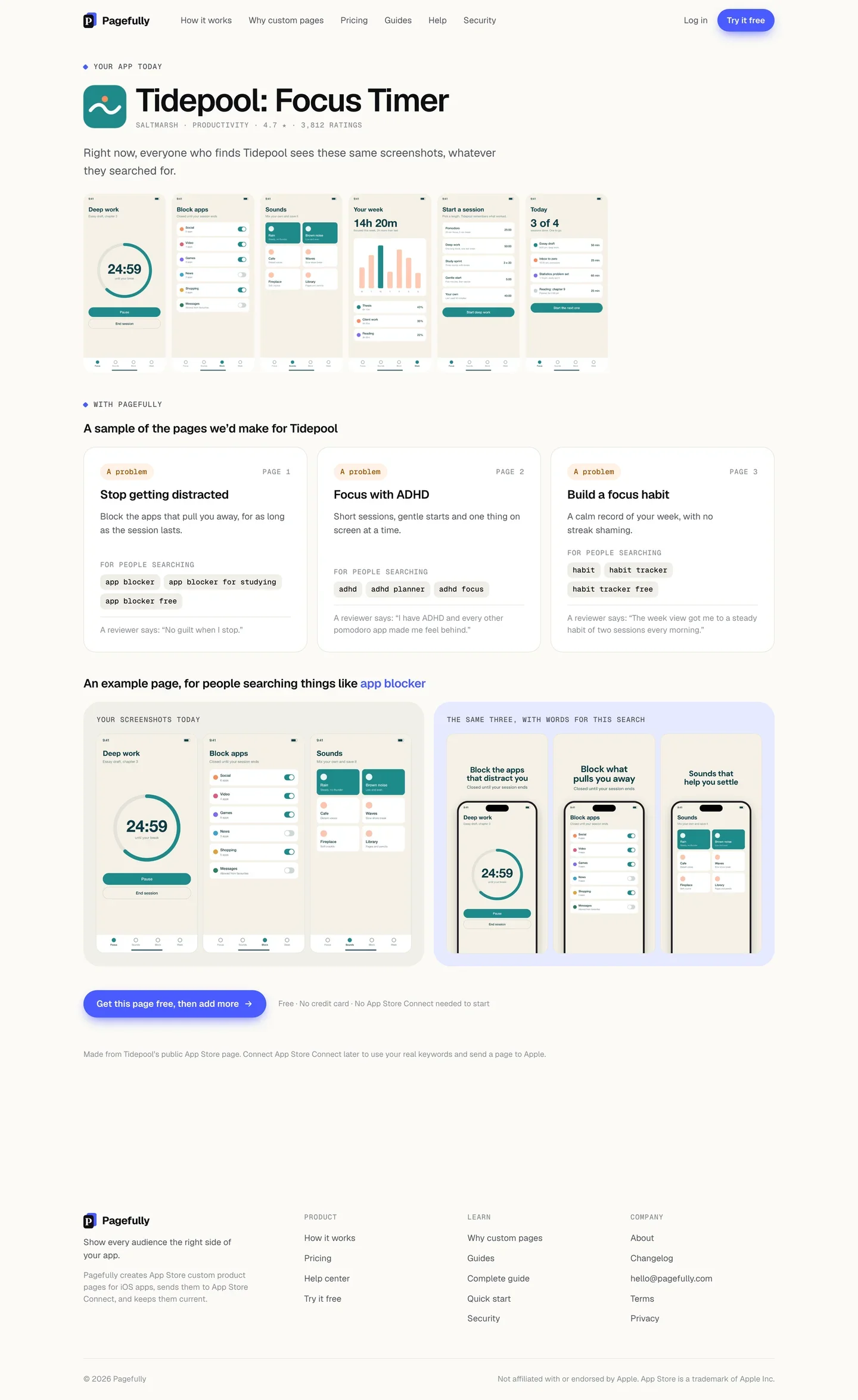
- Read the three pages and the example page.Under Your app today are the screenshots everyone sees now. Under With Pagefully, each page card shows A problem or A feature, its name, its message, For people searching and a one-line reason. Below them, Your screenshots today sit beside The same three, with words for this search.
- Click Get this page free, then add more to keep the page in an account.Sign-up opens with your app already chosen. The free page is this one.
You see three pages planned for your app, with a reason each, and one of them drawn on your own screenshots. The preview is kept for 30 days, and anyone who looks up the same app sees it. Looking at a kept preview counts against no limit.
The limits
Five new previews per visitor a day and twelve a week; each is kept 30 days; the search is the US App Store only; the pictures stay at preview size until you connect App Store Connect or choose a plan. What the free plan includes has the rest.
If something goes wrong
- We couldn’t find that app on the US App Store. Try its exact name, or paste its App Store link. See My app is not found when I search for it.
- You have previewed a few apps today, which is as many as we make without an account. Sign up free to see the pages for this one. You have reached the day’s limit of new previews (the week’s says “a good few apps this week”). You still see the app’s public listing and any preview already kept. Create an account and the pages are made there.
- A lot of people are trying Pagefully today, and we have made all the previews we can until tomorrow. Sign up free and your pages are made in your account. The whole service has made its previews for the day. Sign up, or come back tomorrow.
- We could not finish this preview just now. Nothing was lost. Sign up free and your pages are made in your account. Something stopped on our side. A failed preview is not tried again for an hour. If you see “We could not reach our servers just now”, check your connection and open the page again.