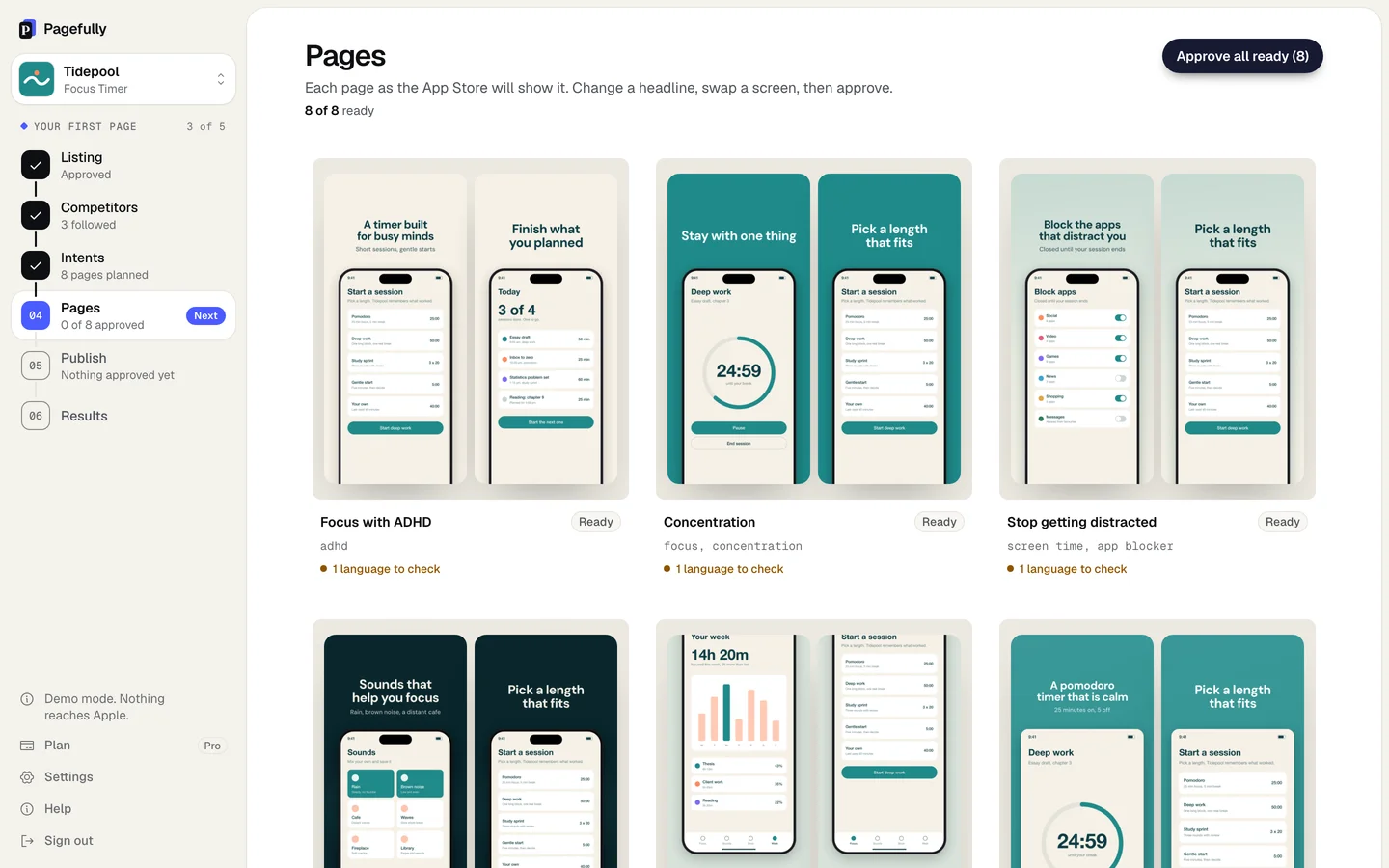
Pagefully makes App Store custom product pages for your iOS app. It reads your App Store listing, plans one page for each reason people download your app, designs each page’s screenshots from your app’s real screens in every size Apple needs, and sends a page to App Store Connect when you approve it. On Pro, it redraws your pages when your app changes.
A custom product page is another version of your App Store page, with its own screenshots and promotional text, shown to people who follow its link, tap an Apple Ads ad pointed at it, or search a keyword assigned to it. Apple allows up to 70 per app. The complete guide explains the feature; this help center explains the app.
Who it is for
Indie developers and small teams who have one app with more than one kind of user, and growth teams at larger apps who are stuck on producing pages rather than planning them. You need an app on the App Store, or one in App Store Connect that is about to be.
What it does
| Reads | Your listing (name, subtitle, description, keywords, screenshots), your public reviews, and the apps that rank beside you |
|---|---|
| Plans | One page per audience or search, each with its reason and its keywords, on the Intents screen |
| Designs | Every screenshot of a page, from your real screens, with a headline for that audience, in each iPhone and iPad size |
| Sends | An approved page to App Store Connect through your App Manager key, when you click Send |
| Keeps current | On Pro: pages redrawn after an update, recommendations, alerts when competitors change, other languages |
What it does not do
- It never changes your default product page, your app binary, your prices or your in-app purchases.
- It does not send anything to Apple without your click. Sending puts a page in App Store Connect; submitting it for review is a second, separate click.
- It does not read a page’s results from Apple yet. App Store Connect’s App Analytics reports each page’s views and downloads; the Results screen says so.
- It does not assign keywords in App Store Connect yet. Pagefully chooses each page’s keywords; you assign them in App Store Connect.
- It does not invent screens. Every screenshot is drawn from a screen your app already shows.
What it costs
Your first page is free, with no card. The Pack is $49 once for ten pages. Pro is $29 a month billed yearly, or $59 monthly, for up to 70 pages kept current. Pricing is per app. Plans explained has the detail.