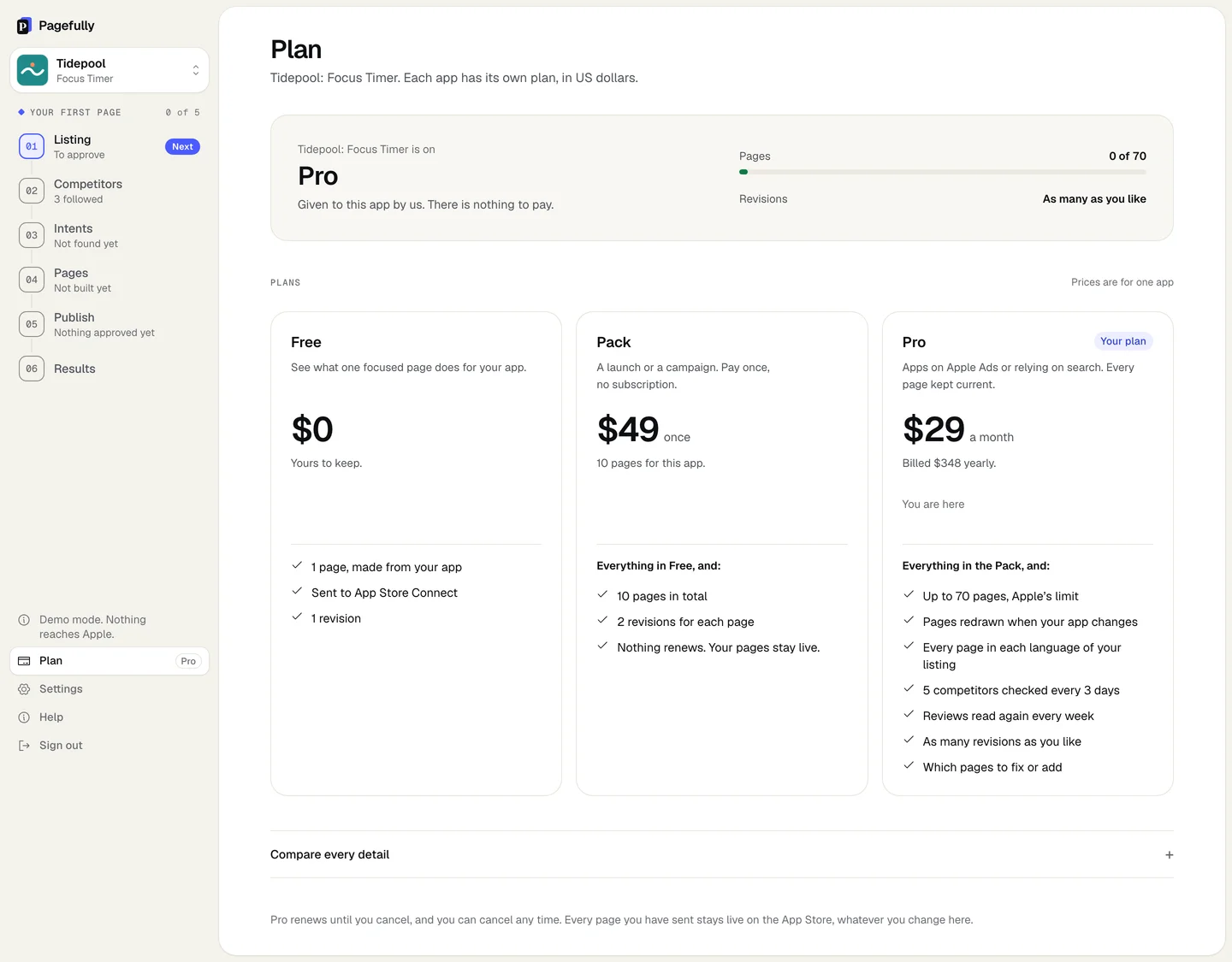
Everything about a payment lives in the billing portal, which Manage billing opens from the app’s Plan screen.
Before you start
- The app is on a paid Pro. Manage billing shows only then.
Steps
- In the sidebar, click Plan.
- Under the plan’s name, click Manage billing.The button says Opening billing, then the portal opens in place of Pagefully. It is hosted by Stripe, our payment provider.
- In the billing portal, download an invoice or receipt, update the card, read the renewal date, or cancel.Each invoice is listed with its date and amount, and has a receipt. The payment method and the next renewal are on the same page. Cancelling is there too: see Cancel Pro, and what happens to your pages.
- Use the portal’s return link to come back to the Plan screen.
You are back on Plan. A new card is used from the next payment. The renewal date is the one shown after Renews under the plan’s name.
About billing emails
Pagefully sends no billing emails: no receipts, no renewal notices, no failed-payment notices. Receipts and invoices are in the billing portal. Pagefully’s own emails are the sign-in link, the weekly note and competitor changes: see Emails and notifications.
If something goes wrong
- There is no Manage billing button. The app is on Free, has the Pack alone, or was given its plan by hand (Given to this app by us. There is nothing to pay.). None of those has a subscription to manage. For a receipt for the Pack, write to hello@pagefully.com with the app’s name.
- The button says “There is nothing to manage yet: this workspace has not paid for anything.” No payment has been made from this account. If you paid from another account, sign in to that one.
- The button says “We could not open billing just now. Nothing was changed. Try again in a minute.” Wait a minute and click Manage billing again. Nothing about your plan has changed.
- The screen says “Billing is not switched on here, so there is no billing page to open.” or “Plans cannot be bought here yet.” Billing is not switched on where you are using Pagefully. Write to hello@pagefully.com for an invoice or a receipt.